Plex on PS5 & Gaming Consoles: Complete Setup Guide
Introduction to Media Streaming on Consoles
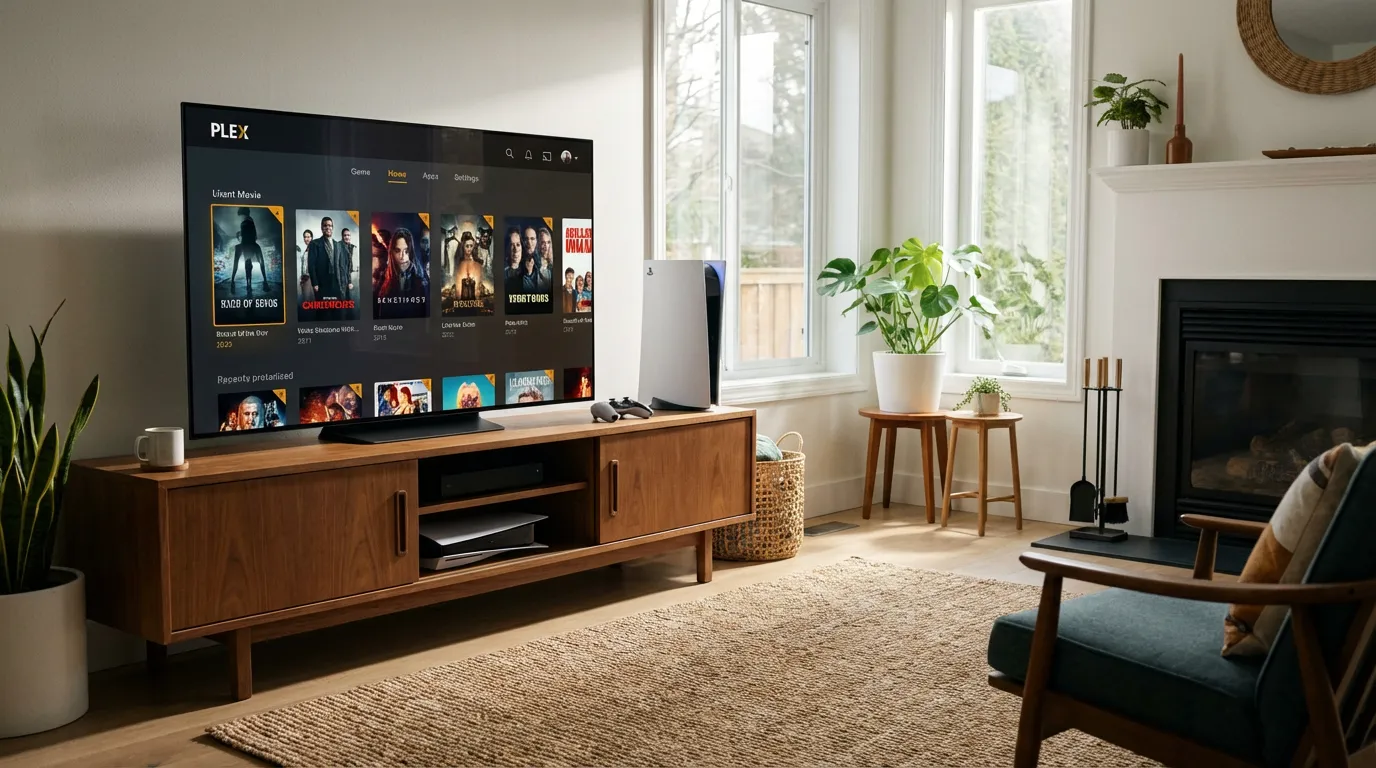
Gaming consoles have evolved far beyond their primary purpose of playing games. Platforms like the PlayStation 5 (PS5) and Xbox are now multimedia powerhouses, capable of delivering a full home entertainment experience. One of the most compelling features is their ability to stream media using apps like Plex. But how do you set this up, and what should you expect? Let's dive in.
Availability of Plex and Other Streaming Apps
Plex on PS5 and Xbox
Yes, Plex is available on PS5 and Xbox, turning your console into a comprehensive media server. This means you can stream movies, TV shows, and music directly from your library. To install Plex, visit your console’s app store, search for Plex, and download the app. It's as straightforward as that!
Other Streaming Apps
Besides Plex, other popular apps like Stremio are also available on consoles. Stremio can be an excellent alternative for those who want to explore different streaming options. Learn more about setting up Stremio on various devices, including Samsung and Firestick devices.
Setting Up Plex on Your Console
Initial Setup
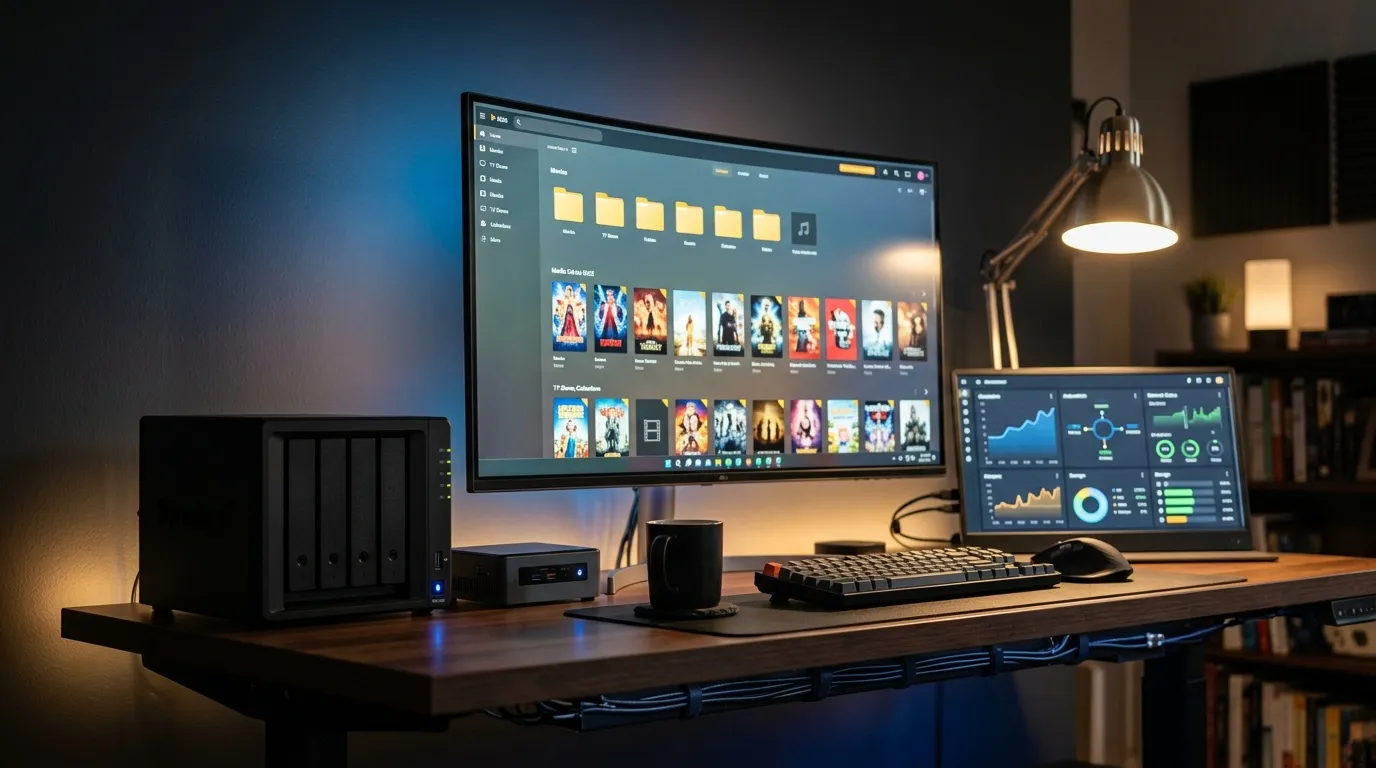
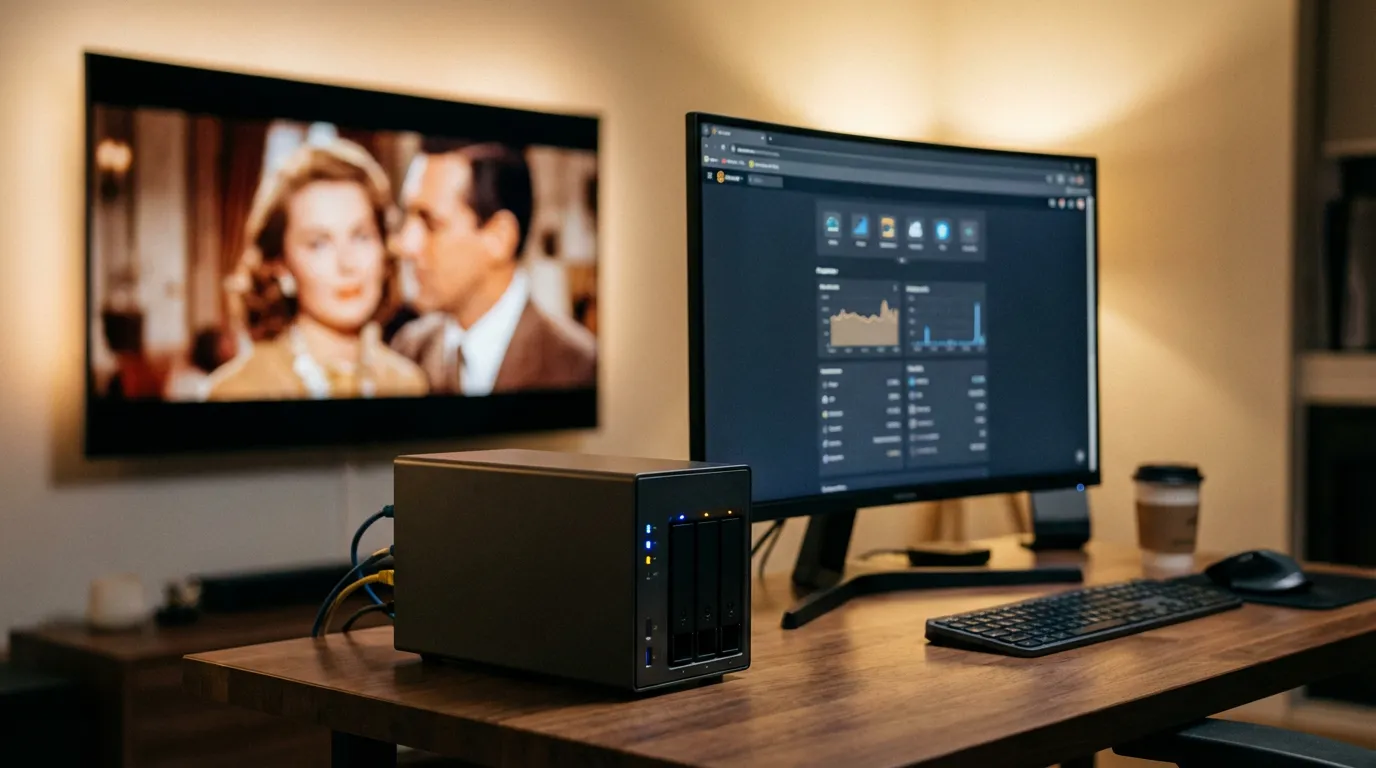
Once Plex is installed, you'll need to set up your media server. If you're new to this, check out our beginner's guide to setting up a Plex media server. This guide will walk you through the necessary hardware and software configurations to get your server up and running.
Network Configuration
To ensure smooth streaming, proper network configuration is crucial. This might involve setting up port forwarding on your router, which you can learn more about in our guide on Plex remote access and port forwarding.
Optimizing Media Playback
4K and HDR Support
Modern consoles support 4K and HDR playback, offering stunning visual quality. However, to truly enjoy this, your media files need to be in the correct format. We recommend checking out our 4K vs HD streaming guide to understand the differences and ensure you're watching in the highest quality possible.
Handling Different File Formats
Consoles can handle various file formats, but some may require transcoding for optimal playback. Understanding the best format for your media server is crucial. Our guide on MKV vs MP4 formats can help you make informed decisions about your media library.
Using IPTV on Gaming Consoles
Integrating IPTV with Plex on consoles expands your viewing options significantly. You can add IPTV channels to Plex, turning your console into a live TV hub. Our guide on setting up IPTV with Plex and Stremio offers step-by-step instructions to get you started.
Enhancing Your Experience with Prerolls
Adding prerolls to your Plex setup enhances your viewing experience by providing a cinematic introduction to your content. Whether you're a fan of Disney or Marvel, we have a range of preroll options to customize your media sessions.
Conclusion
Turning your gaming console into a multimedia powerhouse with Plex is not only possible but rewarding. Whether you're a casual viewer or a media server enthusiast, the versatility and convenience that Plex offers on PS5 and Xbox are hard to ignore. From streaming high-quality content to integrating IPTV and adding cinematic prerolls, there are myriad options to enhance your media experience on consoles. Get started today, and transform the way you enjoy media on your gaming system.