4K vs HD Streaming: Quality Comparison & Bandwidth Guide

Understanding 4K vs HD Streaming
When it comes to streaming, the debate between 4K and HD quality is a hot topic. If you're a media server enthusiast or someone who just wants the best picture quality for your home theater, understanding these differences is key. Let's delve into what sets 4K streaming apart from its HD counterparts.
What Is 4K Streaming?
4K streaming refers to videos that have a resolution of 3840 x 2160 pixels. This resolution is four times that of Full HD (1080p). The term "4K" stems from the approximately 4,000 horizontal pixels. With a 4K TV, you can experience a level of detail that makes every scene come to life. Colors are more vibrant, and the clarity is unparalleled, which is why 4K HDR (High Dynamic Range) content is so highly sought after.
Comparing 4K with HD and 720p
While 4K offers superior detail, HD and 720p have their own strengths. HD, or 1080p, provides a resolution of 1920 x 1080 pixels. It's a popular choice for most streaming services due to its balance between quality and bandwidth requirements. On the other hand, 720p, known as standard HD, has a resolution of 1280 x 720 pixels, which is often sufficient for smaller screens or slower internet connections.
When 4K Shines
If you own a large 4K TV or a projector, 4K content can significantly enhance your viewing experience. The extra pixels allow for a more detailed image, particularly noticeable in large screens where the pixel density plays a crucial role in maintaining image clarity.
HD vs 4K: Bandwidth Requirements
One of the main considerations for choosing between 4K and HD is bandwidth. Streaming 4K content typically requires a minimum of 25 Mbps for smooth playback, while HD can function well with 5 Mbps to 10 Mbps. If you're setting up a media server like Plex, it’s essential to consider these requirements to avoid buffering issues.
Optimizing Your Streaming Setup
Plex Transcoding Explained
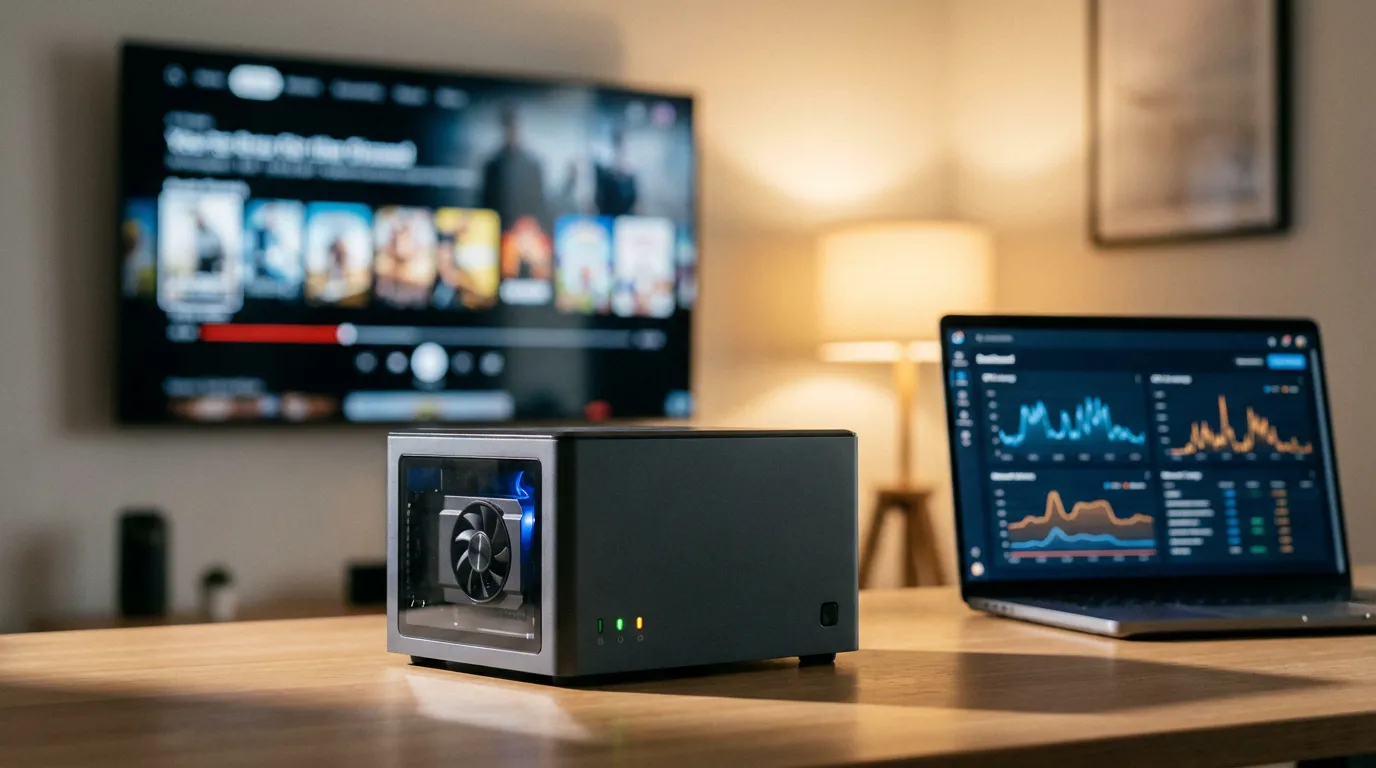
Transcoding is the process of converting video files into a format suitable for streaming. Plex, a popular media server, uses transcoding to adjust video files to match the capabilities of your playback device and the available bandwidth. This ensures that you get the best possible viewing experience without unnecessary interruptions.
Bitrate Optimization for Smooth Streaming
Optimizing bitrate is crucial for maintaining a balance between quality and streaming performance. For instance, the recommended bitrate for 1080p is often around 8 Mbps, while 4K can require up to 20 Mbps or more, depending on the content. Adjusting these settings can significantly impact your streaming experience, especially on devices like the Homatics Box R 4K Plus.
Setting Up 4K Streaming Without Buffering
To set up 4K streaming without buffering, ensure your internet connection is stable and fast enough. A wired connection is always preferable over Wi-Fi for streaming high-resolution content. Additionally, consider upgrading your router to one that supports the latest Wi-Fi standards, such as Wi-Fi 6, for better performance.
Making the Most of Your Media Server
For those using media servers like Plex, Emby, or Jellyfin, managing your video library efficiently is vital. You might want to explore cinema mode setups or learn how to set up your Plex media server effectively. Additionally, using preroll content can enhance the cinematic experience of your movie nights.
Conclusion
Whether you opt for 4K or stick with HD ultimately depends on your setup and bandwidth. 4K provides fantastic detail and color, but it comes at a cost of higher bandwidth requirements. Understanding these nuances and optimizing your media server accordingly can ensure a smooth and enjoyable streaming experience. For more tips on setting up your streaming devices or enhancing your media server's capabilities, you can check out our blog for detailed guides and articles.