Best NAS for Plex Media Server: Synology, QNAP & More
Why a NAS for Plex?
If you're diving into the world of Plex Media Server, one of the first decisions you'll face is choosing the right network-attached storage (NAS) device. A NAS isn't just a storage solution; it's the backbone of your media streaming experience. It stores your massive movie collection, TV shows, and music libraries while enabling smooth streaming to any device at home or on the go. But what makes a NAS suitable for Plex, and how do you pick the right one?
Key Features to Consider
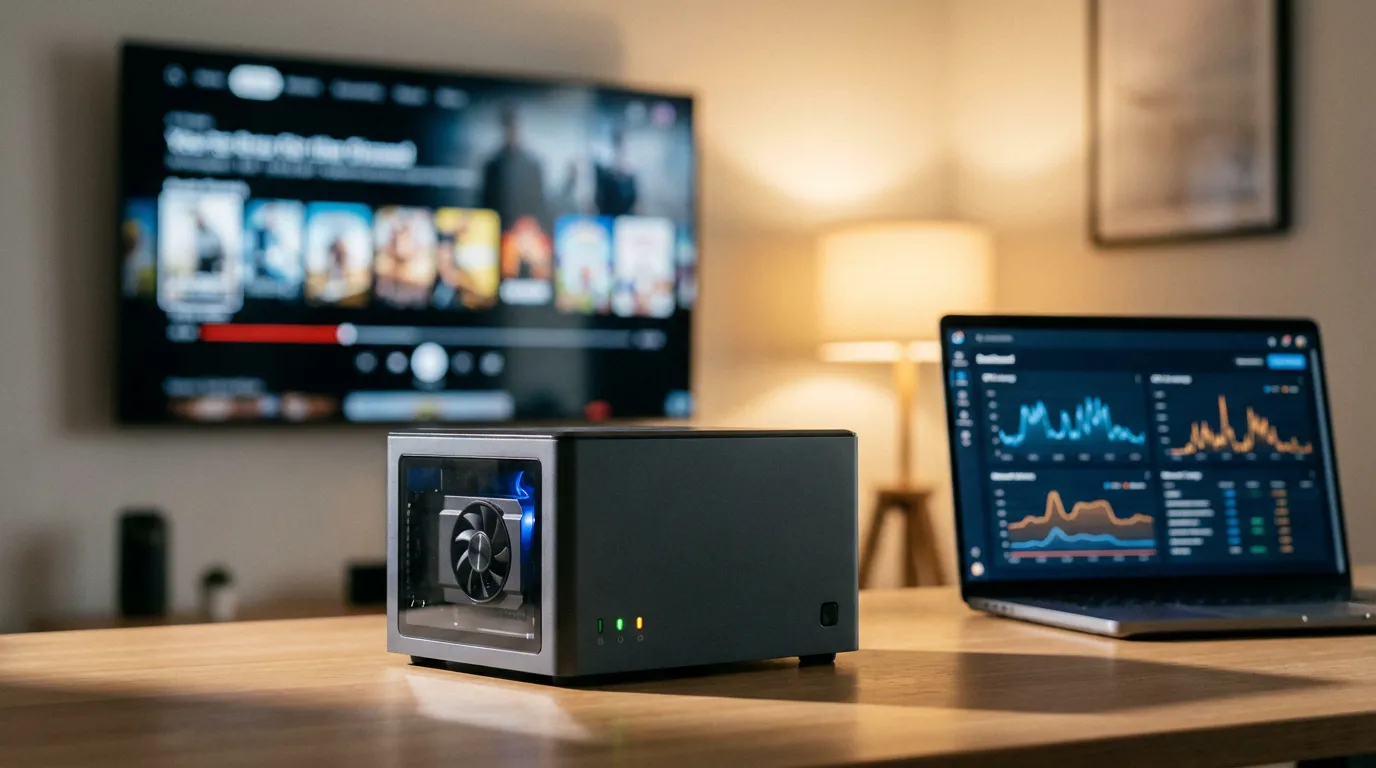
When you're on the hunt for the best NAS for Plex, a few critical components should guide your decision. First up is hardware transcoding. If you plan to stream 4K content, a NAS with a powerful CPU that supports hardware transcoding is essential. It allows the NAS to convert video files into the necessary format for smooth playback on your devices.
Another key consideration is CPU performance. The more powerful the processor, the better your NAS will handle multiple streams and transcode videos in real-time. Ideally, look for models with Intel processors as they often come equipped with integrated graphics that aid transcoding.
Don't overlook storage capacity. Depending on the size of your media collection, you'll need to ensure your NAS can handle your current needs and future growth. Some NAS devices allow easy drive swapping, so consider those if you anticipate needing more storage.
Top NAS Options for Plex
Synology NAS for Plex
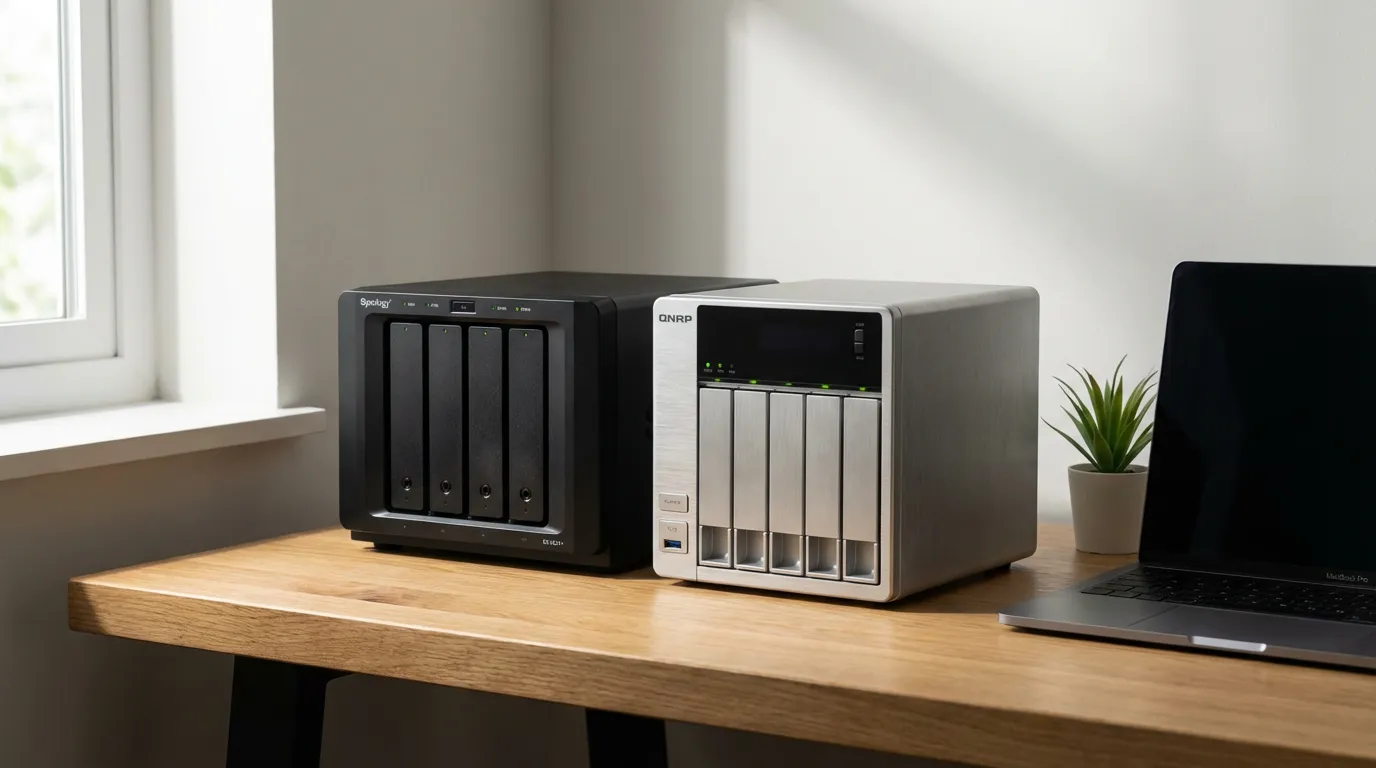
Synology is a top contender when it comes to choosing a NAS for Plex. Their devices are known for user-friendly interfaces and robust software support. The Synology DS920+ stands out with its quad-core processor and support for hardware transcoding. This model is reliable and offers enough power for multiple 4K streams, making it a favorite among Plex users.
Another great option is the Synology DS220+. While it's a bit more budget-friendly, it still packs a dual-core processor with hardware transcoding capabilities. It's perfect for those just starting or those with smaller media libraries.
QNAP NAS for Plex
QNAP is another giant in the NAS world, offering devices that balance power and affordability. The QNAP TS-451+ is a popular choice, featuring a quad-core Intel processor and 2GB of RAM. It supports hardware transcoding and can comfortably handle several simultaneous streams.
For those needing even more power, the QNAP TVS-872XT is a beast. It comes with a six-core Intel i5 CPU and up to 32GB of RAM, making it overkill for most users but a dream for Plex enthusiasts with extensive libraries.
Budget NAS Options
If you're working with a tighter budget, there are still excellent NAS options for Plex. Consider the TerraMaster F2-221, which offers a dual-core Intel processor and hardware transcoding at a fraction of the cost of more well-known brands.
Alternatively, the ASUSTOR AS5304T provides great value with its quad-core processor and 4K transcoding support, all wrapped up in a sleek design.
Setting Up Your NAS for Plex
Once you've chosen your NAS, the next step is setting it up for Plex. You'll start by installing the Plex Media Server application on your NAS. This is typically done through the NAS's app store or package center, depending on the brand.
After installation, configure your media library by pointing Plex to the folders where your media files are stored. Ensure your NAS is connected to your home network with a stable internet connection to allow for remote access and streaming.
For a more detailed walkthrough, check out our Beginner's Guide to Setting Up Plex Media Server.
Optimizing for 4K Streaming
4K streaming demands a lot from your NAS. Aside from the hardware specs, consider the following tips:
- Use a wired connection: Ethernet provides a more stable connection than Wi-Fi, crucial for high-bandwidth 4K streams.
- Enable hardware transcoding: Ensure this setting is checked in your Plex server settings for smoother playback.
- Monitor your CPU usage: Keep an eye on CPU load during streams. If it spikes too high, it might be time to upgrade your hardware.
If you're looking to enhance your home theater experience further, explore our selection of Plex preroll videos to add a cinematic touch to your movie nights.
Final Thoughts
Choosing the right NAS for Plex involves balancing your streaming needs with your budget. Synology and QNAP offer excellent options across different price points, ensuring there's something for everyone. Once your NAS is set up, you'll enjoy the seamless experience of streaming your favorite content wherever you are.
For more on optimizing your Plex setup, check out our guide on 4K vs HD Streaming and see which works best for you. And if you're interested in the nitty-gritty of file formats, our MKV vs MP4 guide has you covered.