NVIDIA Shield Pro: Complete Review and Setup Guide
Introduction to NVIDIA Shield Pro
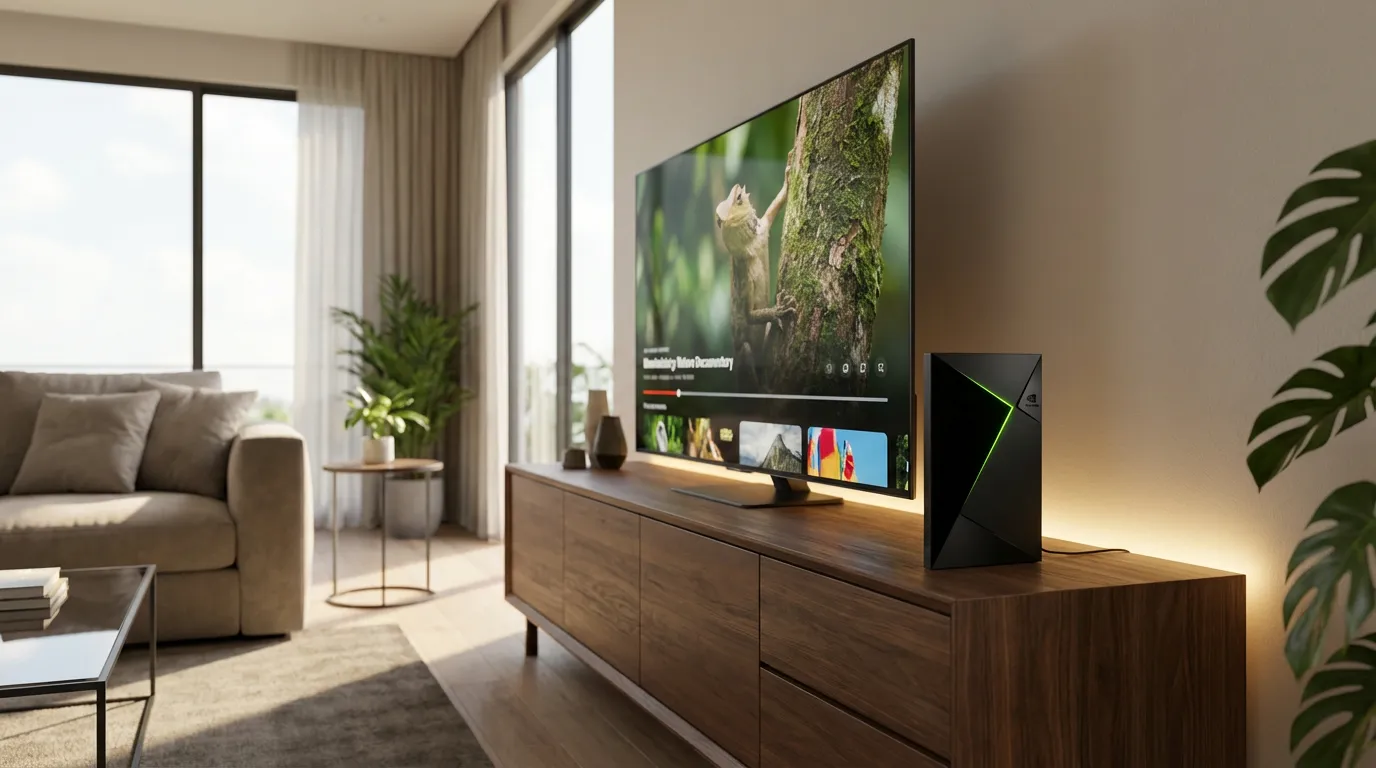
The NVIDIA Shield Pro has gained traction among media server enthusiasts, gamers, and streaming fans. Its reputation as a powerhouse for streaming and gaming is well-earned, but does it live up to the hype? Let's break down what makes this device tick and how you can make the most of it.
Unboxing and First Impressions
Opening the box, the NVIDIA Shield Pro greets you with its sleek, angular design. It's compact, yet feels substantial in hand, hinting at the robust specs under the hood. Included are the remote and power adapter, all neatly packaged. The design is subtle, perfect for blending into any entertainment center.
Streaming Performance
When it comes to streaming, the NVIDIA Shield Pro shines. It supports 4K HDR streaming, making your video content pop with vibrant colors and sharp details. Built on Android TV, it offers a smooth user experience with access to a wide range of apps from the Google Play Store. Whether you're watching on Netflix or browsing through YouTube, the Shield Pro delivers consistently high performance without buffering.
Gaming Capabilities
Gaming on the NVIDIA Shield Pro is where things get interesting. It supports NVIDIA's GeForce NOW, allowing you to stream games from a powerful cloud server. The device also supports Android games, which you can download directly from the Google Play Store. The Shield Pro doesn’t just stream games but handles them with minimal latency, providing a responsive gaming experience.
Using NVIDIA Shield Pro as a Plex Media Server
The Shield Pro is not just for streaming and gaming; it doubles up as a capable Plex Media Server. If you're a Plex user looking to enhance your experience, this device is a solid choice. It supports 4K transcoding, and with its powerful processor, it can handle multiple streams simultaneously.
For those unfamiliar with setting up Plex, check out our beginner’s guide to setting up a Plex Media Server.
Setup Tips for Plex on NVIDIA Shield Pro
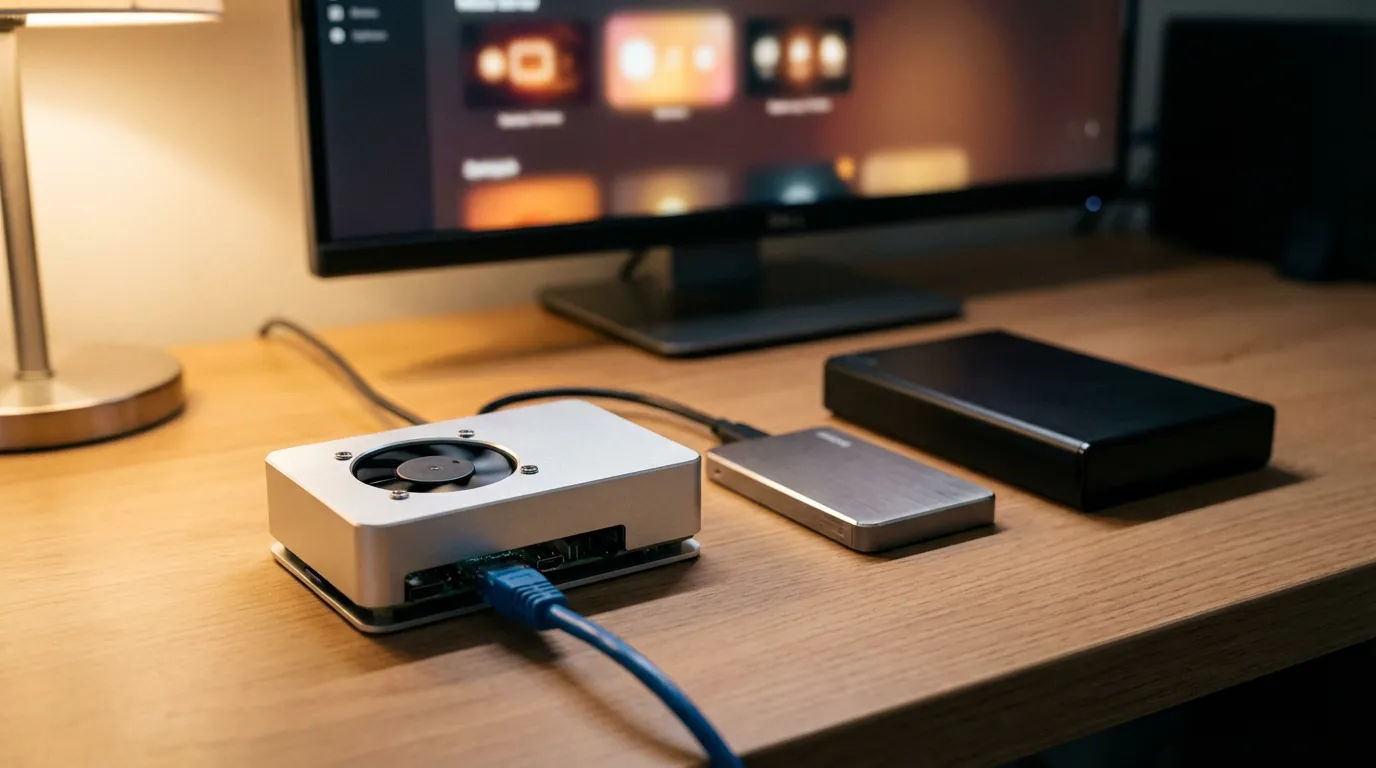
- Ensure your Shield Pro is connected to your network via Ethernet for the best connection stability.
- Install the Plex Media Server app from the Google Play Store directly on the Shield Pro.
- Use an external hard drive to store your media; connect it via USB.
Once everything is set, you can manage your server from any device that supports the Plex app, offering seamless access to your media library.
Setting Up Your NVIDIA Shield Pro
Setting up the NVIDIA Shield Pro is straightforward. Connect it to your TV via HDMI, and power it up with the included adapter. Follow the on-screen instructions to connect to Wi-Fi or Ethernet and log in to your Google account to access the Play Store.
Once set up, you can customize the home screen to prioritize your favorite apps, making navigation easier and more efficient.
Customization and Additional Features
One of the Shield Pro's strengths is its customization options. From adjusting screen resolutions to setting app priorities, it offers a tailored experience. The device also supports voice control through Google Assistant, allowing you to search for content hands-free.
For those interested in enhancing their media experience, consider exploring different Plex plugins and addons to further customize your library.
Conclusion
Overall, the NVIDIA Shield Pro is a versatile device that excels in multiple areas. Whether you're a gaming enthusiast or a streaming aficionado, it offers a robust platform to meet your needs. Its ability to double as a Plex Media Server adds significant value, making it a must-have for media server enthusiasts.
For those looking to pair their NVIDIA Shield Pro with an efficient setup, consider reading our Plex Server Build Hardware Guide to optimize your home media experience.