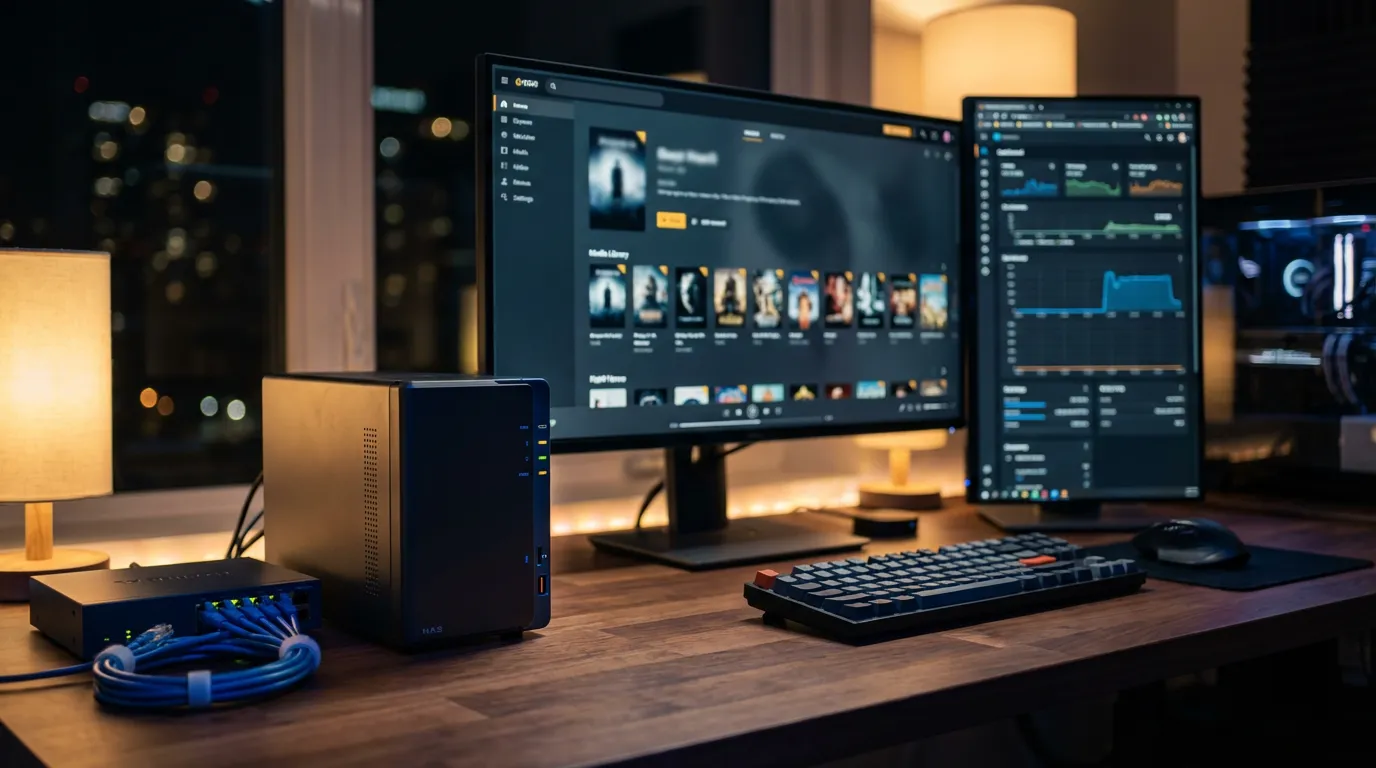
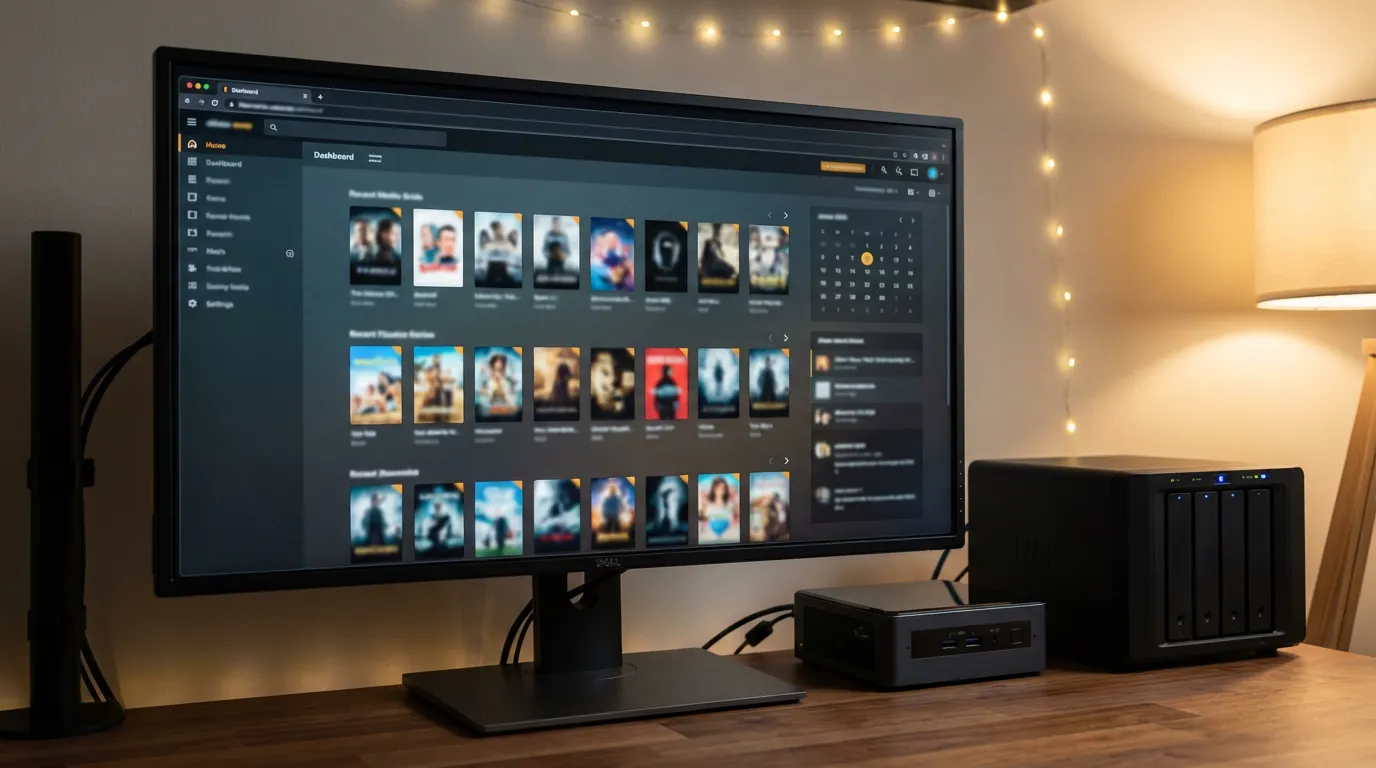
Best Plex Server Build Hardware Guide & Recommendations
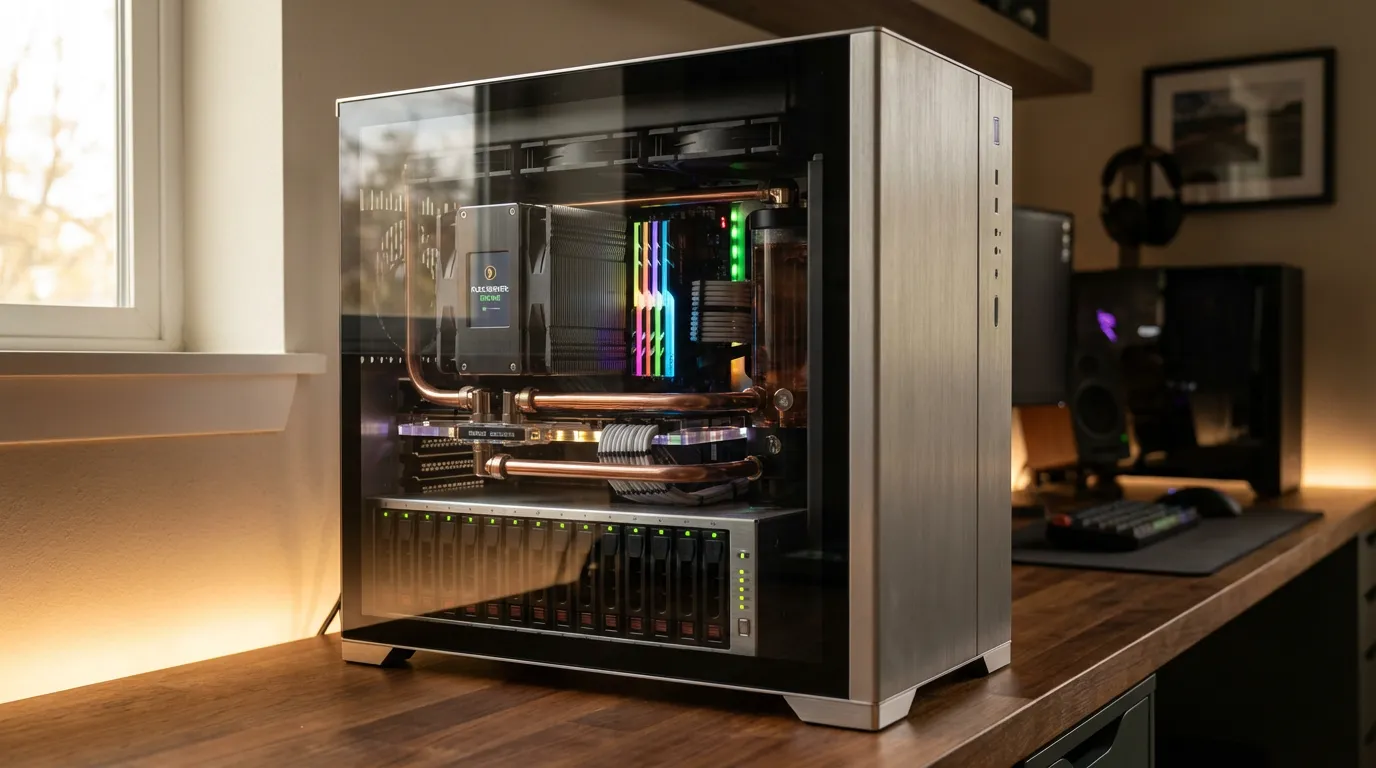
The Heart of Your Plex Server: Choosing the Right CPU
When it comes to building a Plex server, the CPU is your most critical component. This is where most of your media server's power comes from. A powerful CPU will handle multiple streams, transcoding, and other tasks smoothly. But how do you choose the perfect one?
For starters, consider how many users will connect to your server simultaneously. If it's just for you, a dual-core processor might suffice. However, if you plan to serve multiple households, opt for a quad-core or even a hexa-core CPU. Intel's i5 or i7 processors are popular choices for their performance and efficiency. Alternatively, AMD's Ryzen series offers excellent multi-threading capabilities, which is a bonus for media transcoding.
Intel vs. AMD for Plex Servers
Both brands have their merits. Intel generally offers better single-core performance, which is beneficial for tasks like transcoding single streams. AMD, on the other hand, shines in multi-threaded applications, making it ideal for heavy multitasking. Consider your use case before picking a side.
Optimizing RAM for Your Plex Server
RAM isn't as crucial as the CPU when building a Plex server, but it still plays an important role. A minimum of 4GB is fine for light users, but 8GB or more is recommended for those who want a smoother experience. If your server will handle other tasks besides Plex, such as running a virtual machine, aim for 16GB or more.
DDR4 vs. DDR5
While DDR5 is the latest and greatest, DDR4 is more than adequate for most Plex servers. It offers a great balance of performance and cost-effectiveness. Don't overspend on RAM if your server doesn't need all that speed.
Storage Solutions: SSDs and HDDs
Your storage decisions will directly affect your Plex server’s performance and capacity. SSDs offer faster read and write speeds, which is perfect for your operating system and Plex software. Meanwhile, HDDs provide more storage at a lower cost, ideal for storing vast media libraries.
Balancing Speed and Capacity
A hybrid approach is often the best. Use an SSD for your operating system and Plex software, and pair it with one or more HDDs for your media files. This setup gives you the best of both worlds—speed and storage capacity.
Exploring Mini PC Options for Plex
If space and power consumption are concerns, a mini PC might be the way to go. These compact machines often come with enough power to serve as excellent Plex servers. Models from brands like Intel NUC or Asus VivoMini can offer a surprising amount of performance in a small package.
Benefits of Using a Mini PC
Mini PCs are cost-effective, take up less space, and consume less power than traditional tower PCs. They’re ideal for users who want a simple, plug-and-play solution. However, be aware of their limitations in terms of upgradeability and maximum storage capacity.
Budget vs. Performance Builds
Building a Plex server can be as budget-friendly or high-end as you make it. A budget build could involve a used desktop tower with upgraded components, while a performance build might consist of the latest hardware. Consider your needs and future plans.
If you're on a budget, look for used hardware or older models that still offer solid performance. Alternatively, if you want the best possible experience and have the funds, go for new, high-spec components.
Where to Find Hardware Deals
Online marketplaces and local classifieds are great places to find deals on used hardware. If you prefer new components, keep an eye on sales from major retailers.
Integrating Your Server with Your Media Ecosystem
Once your Plex server is up and running, you can integrate it with various media platforms for a seamless viewing experience. Consider pairing your server with streaming boxes or smart TVs for easy access. You can also enhance your server with plugins and add-ons. Check out our list of best Plex plugins and addons for more ideas.
For those using Plex in conjunction with other servers like Jellyfin or Emby, you might find some fantastic pre-roll content on our website. Explore our cinema mode setup for Jellyfin to elevate your viewing experience.
Conclusion: Building Your Perfect Plex Server
Building a Plex server is an exciting journey that offers endless possibilities for media streaming. Whether you're a seasoned IT professional or a DIY enthusiast, there's a Plex server build that fits your needs and budget. From CPUs and RAM to storage and mini PCs, each component offers opportunities to enhance your media experience.
For more advanced Plex server setups, including hardware transcoding and software tips, take a look at our guide to Plex transcoding. Armed with the right hardware, your Plex server will be ready to deliver endless hours of entertainment.