Ultimate Plex Debrid Setup Guide for Infinite Streaming
Understanding Plex_Debrid
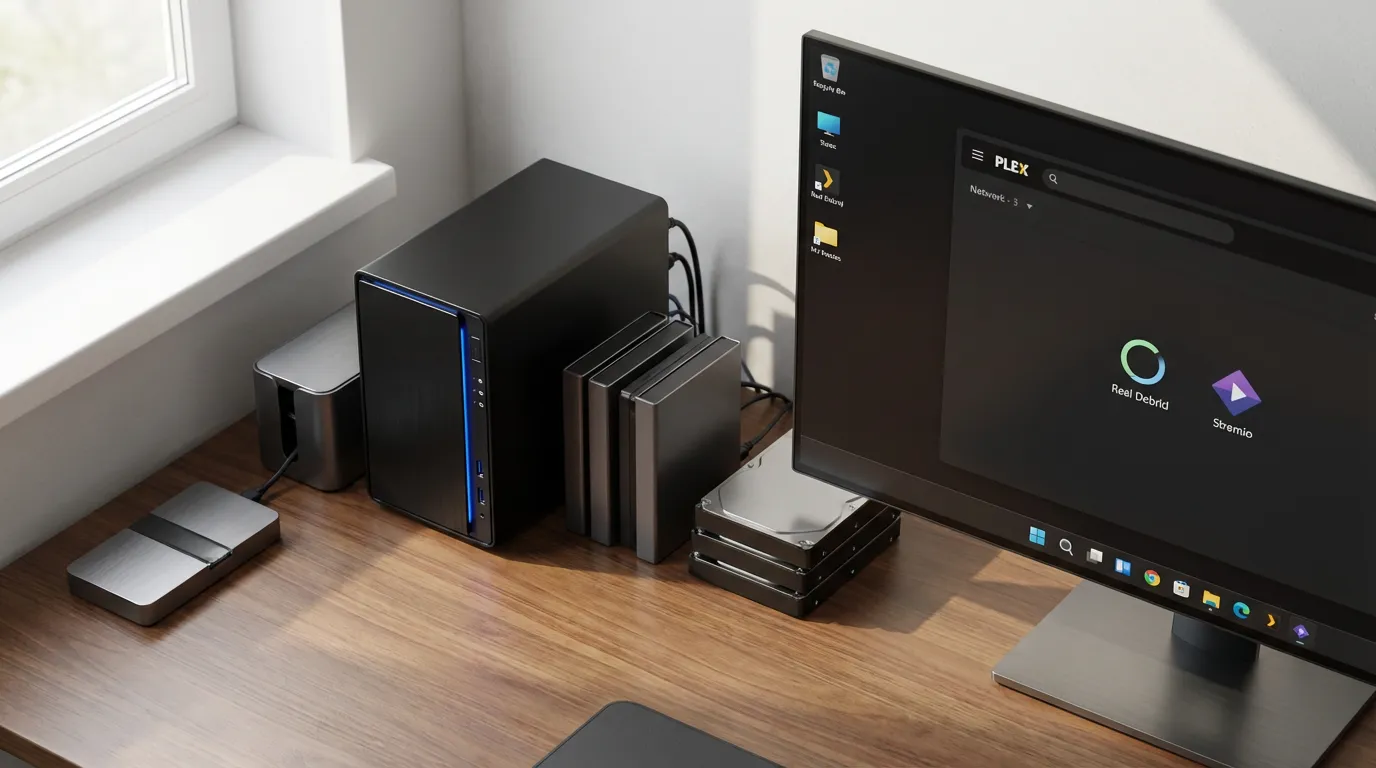
If you're a Plex user seeking to enhance your streaming experience, you may have heard of 'plex_debrid.' This script acts as a bridge between Plex and Real Debrid, allowing you to access an expansive range of content seamlessly. By using Plex_Debrid, you can leverage the power of Real Debrid to fetch high-quality links and stream them directly on Plex. This integration opens up a world of possibilities for media server enthusiasts looking for more flexibility and options.
Mounting Real Debrid Links as a Virtual Drive
One of the most exciting features of using Real Debrid with Plex is the ability to mount links as a virtual drive. This can be achieved using tools like Rclone or Zurg. By mounting these links, you create a cloud-like experience where files can be accessed as if they were stored locally.
Using Rclone
Rclone is a command line program that can manage files on cloud storage. To get started:
- Download and install Rclone from the official website.
- Configure Rclone by creating a new remote connection to your Real Debrid account.
- Mount the Real Debrid links using Rclone mount command. This will create a virtual drive on your system where the links are accessible.
Once mounted, these links can be added to Plex, allowing you to watch content directly from the virtual drive.
Using Zurg
Similar to Rclone, Zurg is another tool that can be used to mount Real Debrid links:
- Install Zurg following the instructions provided on their website.
- Authenticate and link your Real Debrid account with Zurg.
- Mount the links, which will appear as a network drive on your computer.
With Zurg, the integration process is straightforward and works efficiently with Plex.
Setting Up Watchlist Automation
Automation is key for a smooth streaming setup. With Plex and Real Debrid, you can set up a system where your watchlist is automatically downloaded to your debrid account and then streamed through Plex.
Creating a Watchlist Workflow
To automate this process, you will need to:
- Add your desired content to the Plex Watchlist.
- Use a script or tool that checks your watchlist for new entries.
- Automatically download these entries using Real Debrid.
- Ensure these downloads are available in your Plex library for streaming.
This workflow ensures that your favorite shows and movies are ready for you without manual intervention.
Integrating Stremio Content with Plex
If you enjoy using Stremio for its wide variety of content, integrating it with Plex can enhance your media streaming experience. Although there isn't a direct Stremio Plex addon, you can still access Stremio content on Plex through workarounds.
Steps to Access Stremio Content
Here's how you can manage it:
- Identify the content you want to watch on Stremio.
- Use Real Debrid to find and download high-quality links of that content.
- Mount these links using Rclone or Zurg as mentioned earlier.
- Add the mounted drive to your Plex library, allowing you to stream the Stremio content.
This method combines the best of both platforms, giving you a seamless experience.
To further enhance your Plex experience, consider adding preroll videos to your setup. These can make your streaming sessions feel more cinematic. Check out some Plex preroll options that can elevate your viewings, such as the Mandalorian Star Wars preroll or the Stranger Things preroll.
For more personalized content, you might want to explore how to create your own prerolls and add a unique touch to your Plex library.
With these tools and techniques, you can transform your Plex setup into an infinite streaming powerhouse, making the most of both Plex and Real Debrid. So gear up and get ready to enjoy a more integrated and automated streaming experience.