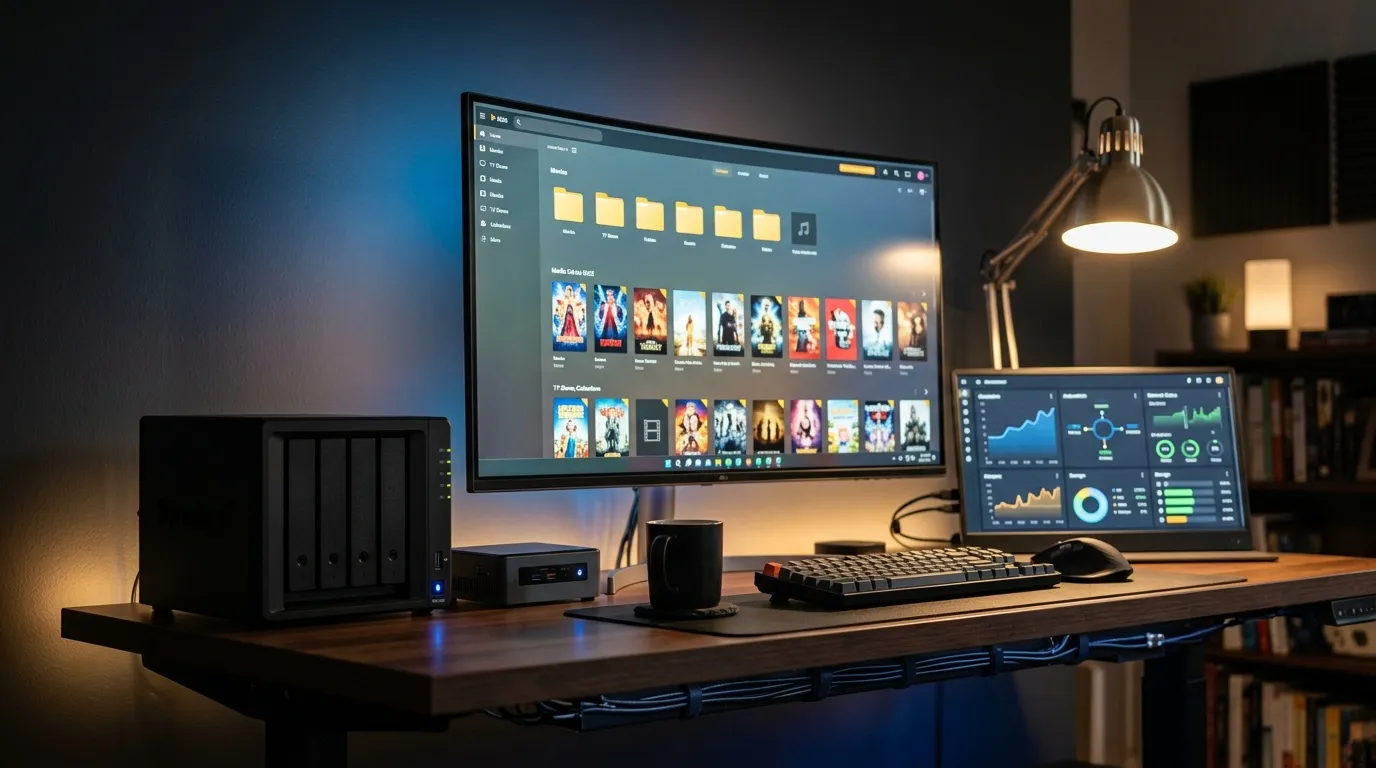
Jellyfin Syncplay Guide to Watch Together With Friends Remotely

Watching a movie alone can feel fine. Watching it with someone who laughs at the same line, gasps at the same twist, or groans at the same cheesy scene feels better. That is the whole point of Syncplay in Jellyfin. You hit play once, and everyone stays locked together. No more “wait, what timestamp are you on?” messages. No more countdowns that still start wrong.
Syncplay is not magic, though. It is a feature that depends on your server, your network, your clients, and the way your media plays back. When it works, it feels like you are on the same couch. When it does not, it can feel like you are hosting a party where half the guests keep walking into the wrong room. Let’s make it work.
What Syncplay does in Jellyfin
Syncplay lets multiple people watch the same item at the same time while Jellyfin keeps playback aligned. One person starts the video, pauses, seeks, or changes tracks, and the group follows. Jellyfin also tries to correct drift, so if someone’s playback slowly slides behind, it nudges them back into place.
Here is the mental model that helps. Syncplay is a shared remote control plus a referee. The “shared remote” part is obvious. The “referee” part matters more. Jellyfin watches the timing of each client and pushes them toward the same position.
What you need before you host a watch party
You can start a session fast, but you will have fewer headaches if you check a short list before you invite people.
A Jellyfin server that your friends can reach
Syncplay works when everyone can connect to your Jellyfin server. That can mean they are on your home network, or they connect remotely. Remote access is the part that trips people up. If your friends cannot play a video from your server in a normal solo session, Syncplay will not fix that.
If you want a stable Jellyfin setup that is easy to manage, I like Docker because it keeps your install tidy and repeatable. This guide helps if you want that route: install Jellyfin with Docker Compose.
Accounts for each viewer
Give each person their own Jellyfin user account. Shared accounts cause chaos. People fight over watch history, subtitles, and playback progress. Syncplay feels cleaner when each person logs in as themselves.
Clients that support Syncplay
Syncplay support depends on the client app. Some clients handle it well. Some lag behind. If you run into issues, try a different client before you blame your server.
In practice, web playback tends to be the easiest starting point for mixed groups because it avoids store installs and device quirks. Dedicated TV apps can work well too, but they vary more.
Media that can direct play when possible
Transcoding can work, but it adds delay and variability. For Syncplay, you want consistent playback across devices. If most viewers can direct play the file, syncing feels tighter. If half the group transcodes and half direct plays, you can still succeed, but expect more buffering and more resync events.
If you keep getting playback problems with certain formats, it helps to understand container and codec choices. This is a solid reference: MKV vs MP4 for media servers.
How to start a Syncplay session in Jellyfin
The exact buttons differ by client, but the flow stays similar. Start in the Jellyfin client you plan to use as the host.
Step 1 Pick the movie or episode
Choose the item you want to watch. If you plan to watch multiple episodes, start with the first one and get Syncplay stable. Then move to the next episode after you trust the setup. I know it feels slow, but it saves you from the “episode two desync spiral.”
Step 2 Open Syncplay and create a group
Look for a Syncplay or Watch Together option. Create a group. Give it a name your friends will recognize, like “Friday Movie Night” or “Family TV.”
Step 3 Choose who can control playback
This is where you decide what kind of night you want.
Host controls keeps things calm. One person drives. Everyone else watches.
Shared controls feels democratic, but it can turn into accidental pauses and random seeking when someone bumps their remote.
My opinion. Start with host controls. You can loosen it later.
Step 4 Invite your friends
Your friends join by opening Syncplay in their client and selecting your group. Some clients show active groups automatically. Others require a refresh or a manual join step. If someone cannot see the group, have them back out to the home screen and re-open Syncplay.
Step 5 Start playback and confirm sync
Hit play and watch the first minute together. Ask one person to call out a line of dialogue and confirm everyone hears it at the same moment. Do not skip this check. If you fix issues early, the rest of the watch party feels smooth.
How to host a watch party that feels human
Syncplay handles video timing. It does not create the social part. You still need a plan for talking, reacting, and keeping things moving.
Pick a voice chat plan before you press play
Jellyfin does not replace voice chat. You will still use a call app. That is fine. Decide what you will use, then keep it consistent for your group. People hate switching apps mid-movie.
Tip that saves sanity. Ask everyone to use headphones. Speaker audio plus an open mic turns into echo and delay. It can ruin the vibe fast.
Agree on subtitle language and audio tracks
Subtitles can cause a weird kind of social drift. Someone reads ahead. Someone hears the joke late. Someone pauses to change the track, and the whole group stops. Get this sorted before you hit play.
If your group needs subtitles, pick a default and stick with it. If someone needs a different subtitle style or size, they can change that locally without breaking sync in most clients, but track changes can still trigger pauses depending on the device.
Use a short “buffer window” at the start
I like to start the movie, then pause after ten seconds. Let everyone buffer a bit. Then start for real. This reduces the early stutter that can knock people out of sync.
Settings that affect Syncplay stability
Syncplay problems often come from normal playback problems. Fix playback, and sync improves. Here are the settings that matter most.
Server hardware and transcoding headroom
If your server struggles to transcode for multiple remote viewers, Syncplay will feel shaky. People will buffer at different times. Jellyfin will keep trying to pull them back together, but it cannot sync someone who cannot play smoothly.
If you see high CPU use during watch parties, consider these moves:
Prefer direct play formats for your group
Reduce remote streaming bitrate in user settings for people on weak connections
Enable hardware acceleration if your setup supports it
Client quality settings and bitrate caps
A lot of desync “bugs” are bitrate mismatches. One person plays at a high bitrate and buffers. Another plays a lower bitrate and cruises. Jellyfin keeps pausing the group to pull the buffer-starved viewer back. It feels like the movie is held hostage.
If you want the session to feel smooth, pick a bitrate that everyone can handle. It hurts a little to downshift from pristine quality, but it hurts more to pause every five minutes.
Wi-Fi reality checks
Wi-Fi can look strong and still behave poorly. Congestion, interference, and distance cause jitter. Jitter causes buffering. Buffering causes sync corrections. If you want a calm watch party, a wired connection for the host helps. A wired connection for the server helps even more.
Common Syncplay problems and how to fix them
Here is the part you will come back to when someone texts “it’s out of sync again.” I wish it never happened. It does.
Someone cannot see the Syncplay group
Confirm they are logged into the same Jellyfin server and not a different saved server entry.
Have them refresh the Syncplay screen or restart the client.
Check if their account has access to the library and the item you are playing.
Playback keeps pausing for everyone
This usually means one viewer buffers or struggles to decode the file.
Ask who is buffering. Drop their streaming quality or bitrate cap.
Switch that person to a different client. Web can outperform a flaky TV app, or the reverse.
Try a different encode of the same title if you have it. Some files trigger transcoding on certain devices.
Audio is synced but video is delayed for one person
This can happen with device-level processing, Bluetooth audio delays, or a TV doing heavy motion smoothing. It is annoying because it feels like Jellyfin is wrong, but the device is the culprit.
Have them disable motion smoothing or “cinema” processing on the TV.
Ask them to avoid Bluetooth headphones for the session.
Switch clients, then rejoin the group.
Seeking breaks sync or causes a long stall
Seeking is a stress test. If seeking causes long stalls, your group probably has mixed direct play and transcode paths.
Let the host do the seeking. Tell others not to scrub the timeline.
Seek once, then wait. Rapid seeking stacks problems.
If it keeps happening, stop and restart the session on a lower bitrate.
Subtitles cause stuttering or desync
Some subtitle formats trigger transcoding or extra processing. If one person enables a subtitle track that forces burn-in, their stream can change behavior mid-session.
Prefer text-based subtitles that your client can render without burn-in.
If stutter starts right after subtitles change, turn them off and test.
Keep subtitle choices consistent across the group.
A practical checklist for smooth remote sessions
If you want a repeatable routine, use this. It keeps the “wait, what are we doing” chatter down.
| Stage | What you do | Why it matters |
|---|---|---|
| Before invites | Test solo playback of the title from the same device you will host with | If solo playback stutters, Syncplay will feel worse |
| Before play | Agree on voice chat, headphones, subtitles, and audio track | Stops mid-movie pauses and track switching |
| Start | Play 10 seconds, pause, let buffers fill, then start again | Reduces early buffering that triggers sync corrections |
| During | Host handles pause and seek, viewers avoid scrubbing | Prevents accidental group-wide interruptions |
| If problems start | Lower bitrate for the buffering viewer, or move them to a different client | Fixes the root cause instead of fighting symptoms |
Making Syncplay feel like movie night at home
Here is a small detail that changes the mood. Give your session a “theater” feel. Not in a cheesy way. In a way that tells your friends, “I cared enough to set this up.”
If you run Jellyfin Cinema Mode with pre-rolls, your watch party starts with a shared ritual. It sounds silly until you try it. Then it feels like you walked into the same room. If you want to set that up, this guide walks you through it: Jellyfin pre-rolls and cinema mode setup.
If you want ready-made options, browse the Jellyfin collection on Prerolls and pick something that fits your group’s vibe. I keep coming back to playful studio-style intros because they make the start feel intentional, not like you tossed a file at people. You can start with the hub here: Jellyfin preroll videos collection.
Syncplay etiquette that saves friendships
Remote watch parties can get weird fast. Someone pauses to grab a snack. Someone else thinks the stream froze. Someone seeks back because they missed a line. Then you spend ten minutes sorting it out. A little etiquette fixes most of it.
Call out pauses
If you need to pause, say it out loud in voice chat. It sounds obvious. People skip it. Then everyone starts troubleshooting a pause that was not a problem.
Do not scrub the timeline
If you are not the host, do not scrub. If you missed something, ask the host to rewind. Syncplay can handle seeking, but group seeking turns into chaos faster than you think.
Keep reactions but mute snacks
Talk. Laugh. React. That is the point. Just mute when you are opening chips or talking to someone in your house. Background noise makes remote movie night feel like a call center. Nobody wants that.
When Syncplay is not the right tool
I like Syncplay. I still think there are nights where it is the wrong answer.
If your group has wildly different internet quality, a synced session can turn into constant pauses. In that case, watching separately while chatting might feel smoother.
If you want people to drop in and out without affecting others, Syncplay will feel strict. It keeps everyone tied together.
If your server must transcode for every viewer, you may hit a limit fast. A smaller group or lower bitrate can fix it, but sometimes the math does not work.
This is where I have mixed feelings. Syncplay creates that shared moment, but it also exposes every weak link in your setup. It rewards preparation. It punishes “we’ll wing it.”
A simple start plan for your first session
If you want the shortest path to success, do this:
Pick a title that direct plays for you and at least one friend.
Use host controls.
Start with two people, then add more next time.
Keep subtitles off unless your group needs them.
Set a reasonable bitrate cap for remote users.
Once you get one smooth watch party, you will trust the feature. After that, you can push your setup harder. Bigger groups. Higher bitrates. More complex media. That is the fun part. The first win is the one you need.
Quick troubleshooting script you can copy into chat
When someone says they are out of sync, send them this checklist. It sounds blunt, but it gets you back to the movie fast.
Tell me what device and app you are using.
Back out of playback, rejoin the Syncplay group, then press play.
If you buffer, lower your streaming quality and try again.
If you use Bluetooth audio, switch to wired or TV speakers for the session.
You do not need to become tech support for your friends. You just need a calm plan. Syncplay can feel like a warm shared room across distance. When it breaks, it can feel like a group project. This guide keeps it closer to the warm room.