
Jellyfin in thin gold capitals sits in a gold outlined box above "A Star Wars Story" on a black starfield, then drifts away to the left. Jellyfin plays it through the Local Intros plugin once Cinema mode is on. It runs 10 seconds in 1080p. Use the Customize button to order a version with your own name from Priyansh Animations.
How to use this preroll
- Download the video into a folder your Jellyfin server can access.
- Install the official “Local Intros” plugin from Dashboard → Plugins → Catalog, point it at that folder and load the videos.
- Turn on Cinema mode under Settings → Playback on each device.
- Download the video and save it somewhere your Plex server can read.
- In Plex, open Settings → Extras and paste the full file path into “Movie pre-roll video”. Use commas to play several in order, or semicolons to pick one at random.
- Turn on Cinema Trailers for your movie library and in your Plex app.
- Download the video into a folder your Emby server can access.
- Open Dashboard → Cinema Intros and set that folder as your custom intro location (needs Emby Premiere).
- Enable Cinema Intros in each app’s playback settings.
You might also like
More Movies & TV 0:10
Rogue One A Star Wars Story Plex Preroll
 0:10
Rogue One A Star Wars Story Emby Preroll
 1:30
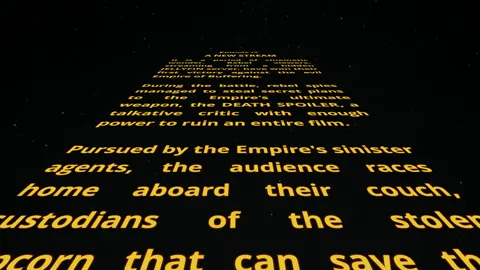
Star Wars Opening Crawl Jellyfin Preroll
 1:30
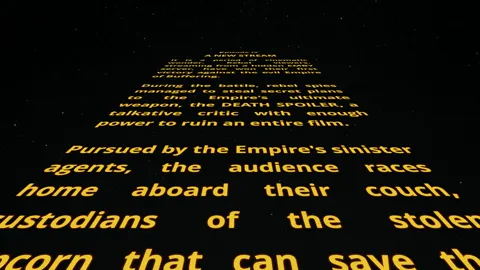
Star Wars Opening Crawl Emby Preroll
 0:10
Eternals Plex Preroll
 0:10
Eternals Emby Preroll
 0:14
Star Wars Universe Jellyfin Preroll
 0:12
Star Wars The Rise of Skywalker Jellyfin Preroll