
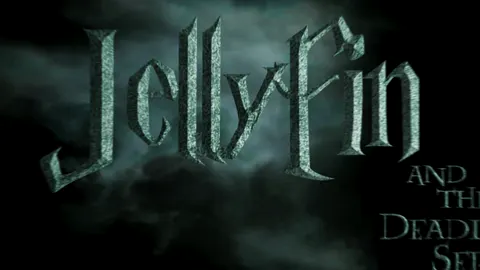
Weathered metal Jellyfin letters in the Harry Potter font push toward the camera through dark green storm clouds and fly past it. Jellyfin plays it through the Local Intros plugin once Cinema mode is on. It runs 15 seconds in 1080p. Use the Customize button to order a version with your own name from Priyansh Animations.
How to use this preroll
- Download the video into a folder your Jellyfin server can access.
- Install the official “Local Intros” plugin from Dashboard → Plugins → Catalog, point it at that folder and load the videos.
- Turn on Cinema mode under Settings → Playback on each device.
- Download the video and save it somewhere your Plex server can read.
- In Plex, open Settings → Extras and paste the full file path into “Movie pre-roll video”. Use commas to play several in order, or semicolons to pick one at random.
- Turn on Cinema Trailers for your movie library and in your Plex app.
- Download the video into a folder your Emby server can access.
- Open Dashboard → Cinema Intros and set that folder as your custom intro location (needs Emby Premiere).
- Enable Cinema Intros in each app’s playback settings.
You might also like
More Movies & TV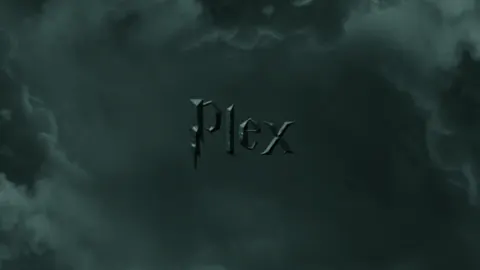 0:15
Harry Potter Deathly Hallows Plex Preroll
 0:15
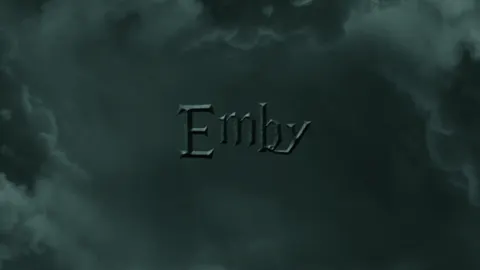
Harry Potter Deathly Hallows Emby Preroll
 0:10
Harry Potter Jellyfin Preroll
 0:09
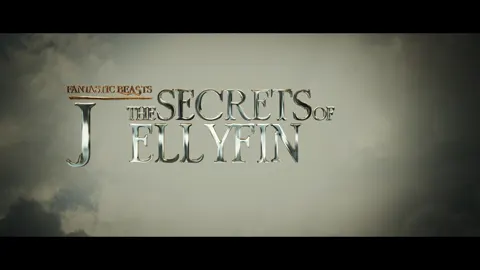
Fantastic Beasts The Secrets of Dumbledore Jellyfin Preroll
 0:10
Harry Potter Plex Preroll
 0:09
Fantastic Beasts The Secrets of Dumbledore Plex Preroll
 0:09
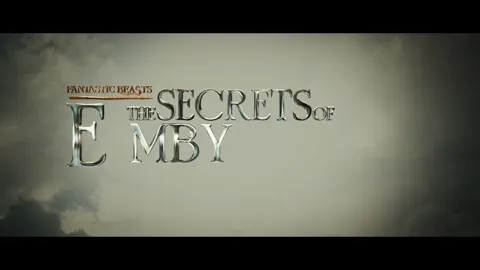
Fantastic Beasts The Secrets of Dumbledore Emby Preroll
 0:12
The Hobbit Jellyfin Preroll