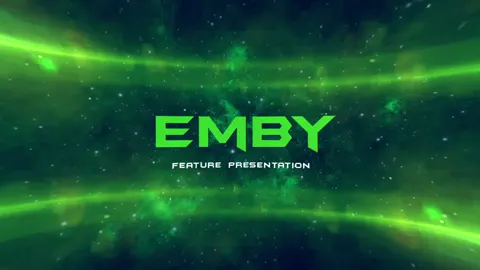
Vibrant ribbons of light twist and turn through a dark space in this animation. The high-contrast colors create a dynamic visual for the screen display.
How to use this preroll
- Download the video into a folder your Emby server can access.
- Open Dashboard → Cinema Intros and set that folder as your custom intro location (needs Emby Premiere).
- Enable Cinema Intros in each app’s playback settings.
- Download the video and save it somewhere your Plex server can read.
- In Plex, open Settings → Extras and paste the full file path into “Movie pre-roll video”. Use commas to play several in order, or semicolons to pick one at random.
- Turn on Cinema Trailers for your movie library and in your Plex app.
- Download the video into a folder your Jellyfin server can access.
- Install the official “Local Intros” plugin from Dashboard → Plugins → Catalog, point it at that folder and load the videos.
- Turn on Cinema mode under Settings → Playback on each device.