How to Organize & Name Media Files for Plex with Ease
Understanding the Importance of Proper File Naming
If you're a Plex user, you know the thrill of having all your media files neatly organized for seamless streaming. But without proper file naming, even the best media server can falter. Accurate metadata matching, which is crucial for Plex to recognize your files correctly, heavily relies on how you name and organize your files.
Plex looks for specific patterns in file names to pull the right info from its databases. Incorrect naming can lead to mismatched metadata, missing cover art, or even failed recognition of your media files. So, how do you ensure that your library is pristine and accessible? Let’s dive in.
Essential Naming Conventions for Plex
Start with a consistent format. For movies, use the pattern "Movie Name (Year).ext". Ensure the year matches the release year, as this helps Plex match the file to the right entry in its database. For TV shows, the recommended format is "Show Name - sXXeYY - Episode Title.ext", where XX is the season number and YY is the episode number.
Using these conventions, Plex can efficiently scrape metadata, ensuring your library is not only complete but also visually appealing.
Automating the Renaming Process with FileBot
Renaming media files manually can be tedious, especially if you have a large library. This is where FileBot comes in handy. FileBot is a powerful tool that automates the renaming of files according to Plex’s naming conventions. It uses databases like TheMovieDB and TheTVDB to retrieve accurate metadata.
To use FileBot, follow these steps:
- Download and install FileBot from the official website.
- Run the software and load your media files into the interface.
- Select the correct database from which to fetch metadata.
- Review the proposed file names and confirm the changes.
FileBot also offers scripts for advanced users who want to automate the renaming process via command-line. If you want more control over your media organization, check out our guide on the best Plex tools, which includes other handy automation resources.
Exploring FileBot Alternatives
While FileBot is robust, it does require a license key. If you're seeking a free alternative, consider applications like Rename My TV Series or TVRename. These tools offer similar functionality, allowing you to organize your TV shows with ease.
Another alternative is MediaElch, a free software that some users find more intuitive. It caters especially to organizing both movies and TV shows, offering a clean interface and easy setup.
Best Practices for Folder Structures
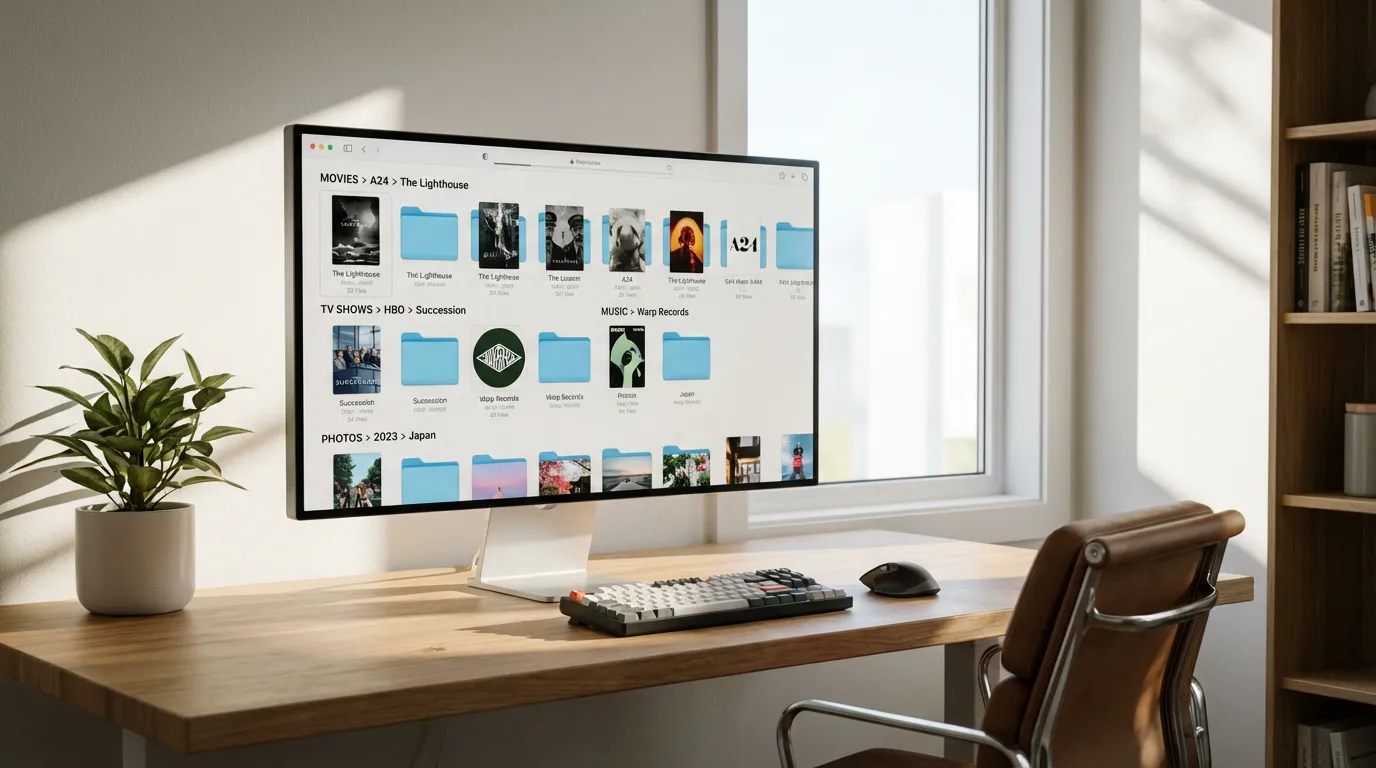
Besides naming, your folder structure plays a vital role. For movies, keep it simple by having each movie in its folder named after the film itself, such as "Movies/Movie Name (Year)/Movie Name (Year).ext".
For TV shows, organize them by show, then season, like "TV Shows/Show Name/Season X/Show Name - sXXeYY - Episode Title.ext". This hierarchy not only helps Plex but also makes manual browsing straightforward.
Check out our guide on mastering magnet links to enhance your media collection strategies even further.
Perfecting Metadata Matching
Once files are named and organized, you might still encounter mismatches. This is where a video metadata editor becomes useful. Tools like MetaZ (for macOS) and MKVToolNix (cross-platform) allow you to manually edit metadata to ensure everything lines up perfectly with Plex's expectations.
Metadata editing can be as simple as correcting a title or updating the genre. It's a straightforward way to ensure Plex always recognizes your files correctly.
Troubleshooting Common Issues
Even with perfect organization, Plex might sometimes hiccup. Common issues include missing cover art or incorrect metadata. Often, refreshing your library or manually matching files using Plex's metadata match feature resolves these problems. If you encounter persistent issues, explore our comprehensive Plex troubleshooting guide for more solutions.
Conclusion
Organizing your media files with proper naming conventions and folder structures is crucial for a seamless Plex experience. Tools like FileBot and its alternatives can save time and ensure accuracy in naming, while metadata editors can fix any errors that crop up. With a little effort upfront, your Plex library can be a well-oiled media machine, ready to deliver entertainment at your fingertips.